
In this episode of the Multiple Web Width Measurement Application Series, we showcase the advanced pattern teaching feature of the SCU6x controller. Learn how to set up widths, samples, and jobs to monitor changes in material movement and width accurately. Discover the advantages of the pattern teaching mode, such as alerting when a web breaks and maintaining precise measurements even with intervening materials. This tutorial highlights how our system prevents measurement jumps and ensures consistent tracking of web position, making your slitting process more efficient and reliable.
00:00 Introduction to Pattern Teaching
00:18 Setting Up Pattern Teaching
00:51 Advantages of Pattern Teaching
02:20 Pattern Teaching in Action
00:00 Conclusion and Final Thoughts
Transcript
Show full transcript (485 words)
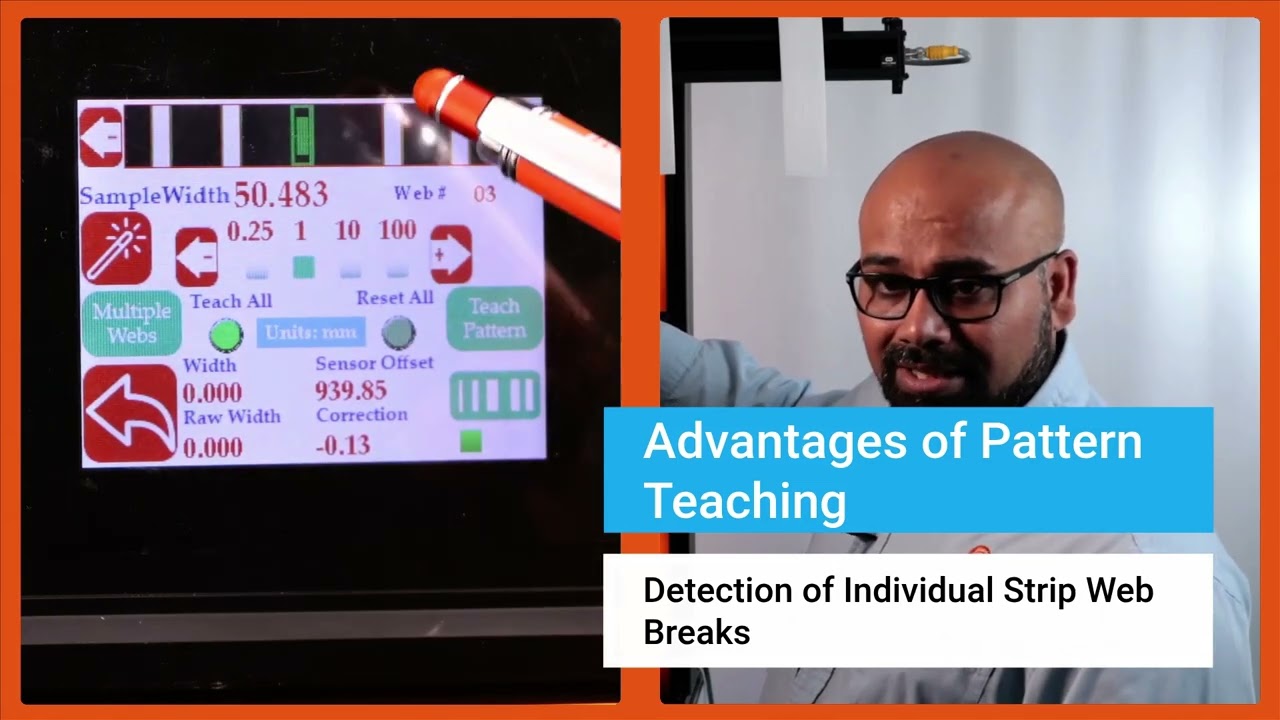
Now we do have another feature that allows you to get even higher um uh uh insight into your process and what that is what we call pattern teaching. So essentially what we will do with the pattern teaching is that we set the widths, we set the samples, we set the job. We're looking for not only the change in the width but also change in the movement of the material. You can enable that by pressing this button that's in the pattern teaching mode.
When you're ready to teach the pattern, we're going to press this teach pattern and press accept. So now the system is taught the pattern. What is the advantage of that? If I have uh let's say I'm in web 3, right?
And if the web three breaks right now, it is actually showing you that hey, I'm supposed to see a web there. It's broken. The value is zero. And it's going to provide an alarm or alert right there.
That's one advantage of that. Another advantage with that is that let's say I have a web five that I'm tracking right here and if I have another material that comes in between there, the web five's measurement is not affected by that whatsoever. In a typical camerabased system, they're going to keep track of the width randomly based on which one is first and which one is second. That would affect the measurement.
If I do have this pattern off, web five will actually jump. You saw that it jumped to that 10 mm and it jumps back. To avoid this jump, we are going to use the pattern. And once the job is set up in your slitter rewinder, it's not going to change.
The pattern is not going to change. Then even if something comes in, that gets completely disregarded. That's the advantage with the pattern teaching or pattern matching mode. Those are the key things with regard to how you can set up our SCS 6x controller for multiple slit width measurement.
Okay, one of the thing that we wanted to show is that this width measurement right now we are in pattern mode. So even in pattern mode, if the web moves back and forth, you can see that the web is moving, but it's also keeping track of that edge position, keeping track of that width pretty accurately. And we can actually move this quite a ways off and that's when it will say that the pattern is supposed to be there, but it has moved from its intended position. So this is an example where let's say the slitter blade moves too much then you can catch that.
Obviously it'll show up in the width but it'll also show up in the web position. As soon as we come back into that location, the actual location itself, then it locks in on that